Game Golf Live – Better Golf Through Statistics

Translated by AI
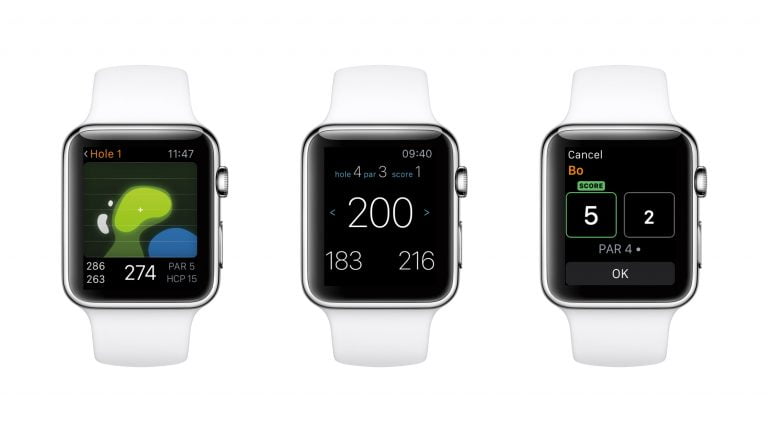
When the golf watch arrived ten years ago, it was a revolution. Suddenly you no longer had to judge, or guess, the distance to the green. A glance at your wrist gave you an exact number. Digital technology had made its first big inroad into golf.
But one problem remained. You now knew the distance to the green, but how far do you actually hit your clubs? If you don’t know that, the exact distance to the green isn’t worth much. Now a new wave of digital products promises to solve that problem by collecting statistics on your game in the most realistic setting of all, your regular rounds on the course. We tested one of them, Game Golf Live.
To collect the statistics, the system needs to know three things: where you are on the course, which club you are hitting and when you hit your shots. The new stats products offer different solutions to the problem.
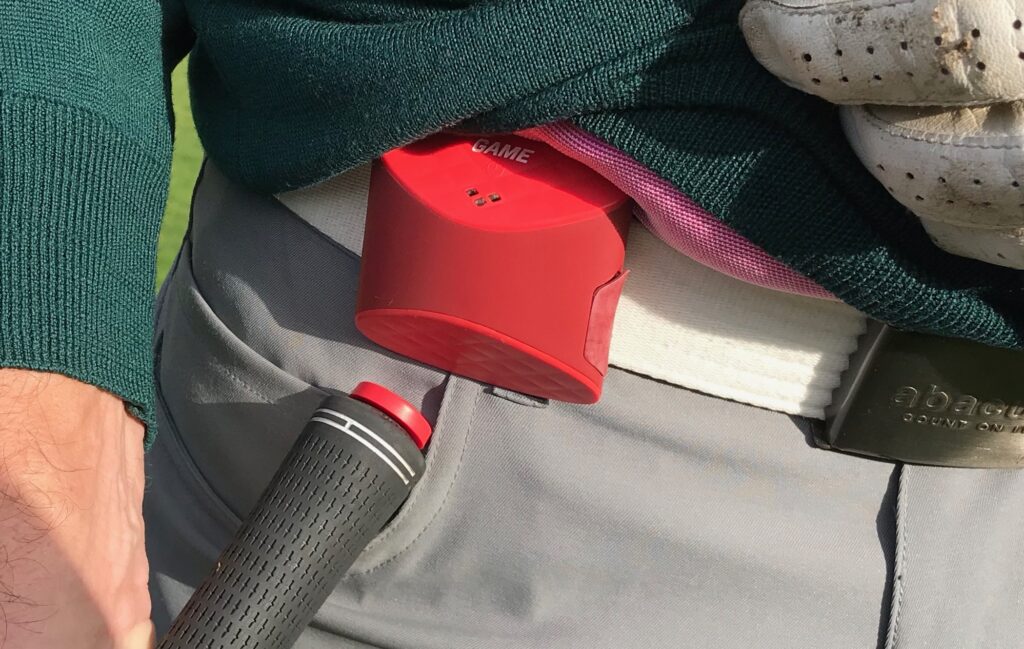
Game Golf Live’s solution for knowing where you are is a small GPS receiver that you clip to your waistband or belt. To know which club you are using, the system comes with small “tags” that you screw into the top of each club’s grip, one tag per club. And to know when you hit, you simply touch the tag to the GPS receiver to register the club before each shot. A simple and very reliable solution.
Unboxing
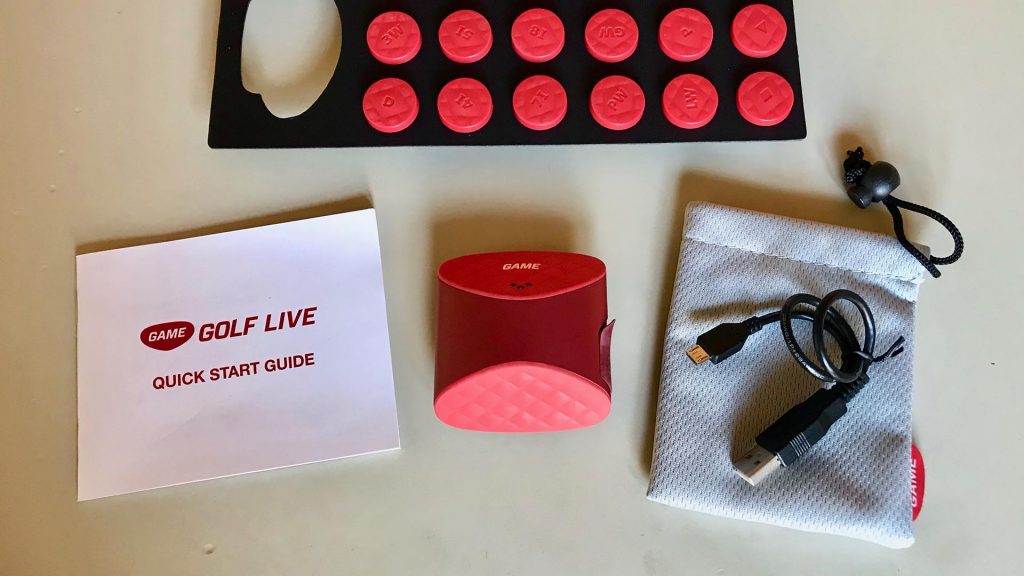
Game Golf Live comes in an eco-friendly cardboard box with the GPS receiver, tags for your clubs, a USB cable (but no USB charger) and an admirably clear manual. You get 18 small, light plastic tags, 14 premarked for the most common clubs in the bag and four spares for other clubs. The tags are completely passive; no batteries or charging needed.
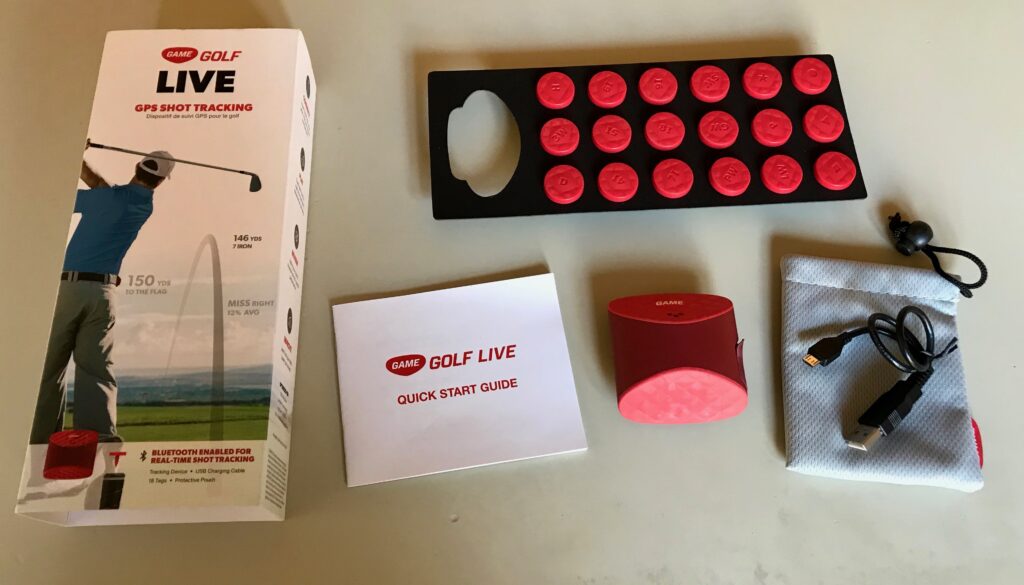
Once you have screwed the tags into your clubs and charged the GPS receiver for a couple of hours, it’s time to take out your phone and download the Game Golf app, available for both iPhone and Android. Once registered, you can also use the app to share your results with golf friends, but we were mostly interested in our own statistics and skipped those steps. You can also enter the exact make and model of each club you use if you like. All our clubs were in the system.
On-course test
Like any GPS receiver, the system needs a couple of minutes to find enough satellites. Then you start the Game Golf app on your phone and choose the course you are playing. The app found the right course automatically and downloaded it for us. After that you can put the phone in your bag if you like; it isn’t needed again during the round. (The app has more features you can use during the round, but they are not needed for the statistics.)
All you have to do now is touch the tag on the club to the GPS receiver just before every shot and putt during your round. The receiver confirms that the shot has been registered with a short vibration. You don’t have to tell the system when you move to the next hole; everything is fully automatic as long as you register every shot.
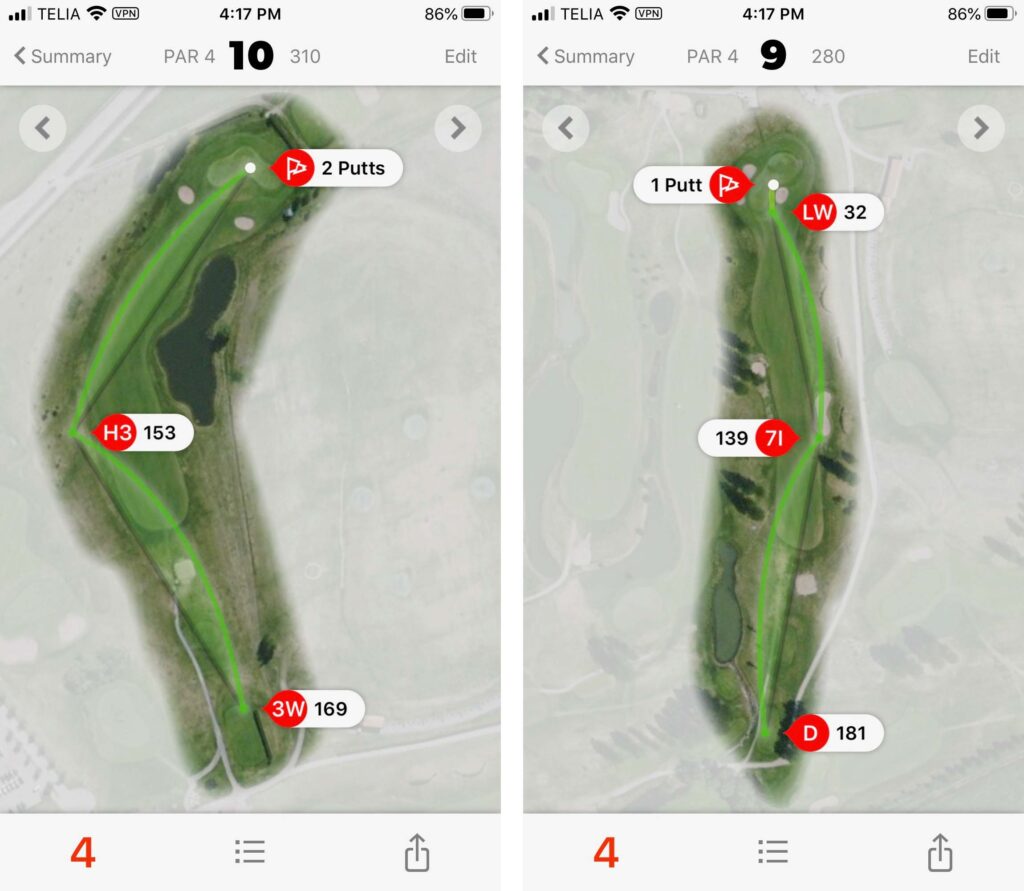
When you have finished your round, you go into the app and end the round. All your shots are now registered, and you can see them on satellite images of each hole, complete with the position, club and distance of every shot. You can view everything on your phone or log in to your (free) account on the Game Golf website.
Statistics
As with all data collection, the principle of garbage in, garbage out applies. If you have been careful to register every shot, you get good statistics; if you have been sloppy, they’ll be less good. The biggest advantage of Game Golf Live’s system is that you alone decide how good they will be. Register every shot and they will be good, really good. Some of the competitors try to detect your shots automatically, which gives you less control over the data collection. Which is better is a matter of taste, but we liked controlling when the shots were registered ourselves. If you forget to register a shot, you can also correct it manually, both during and after the round.
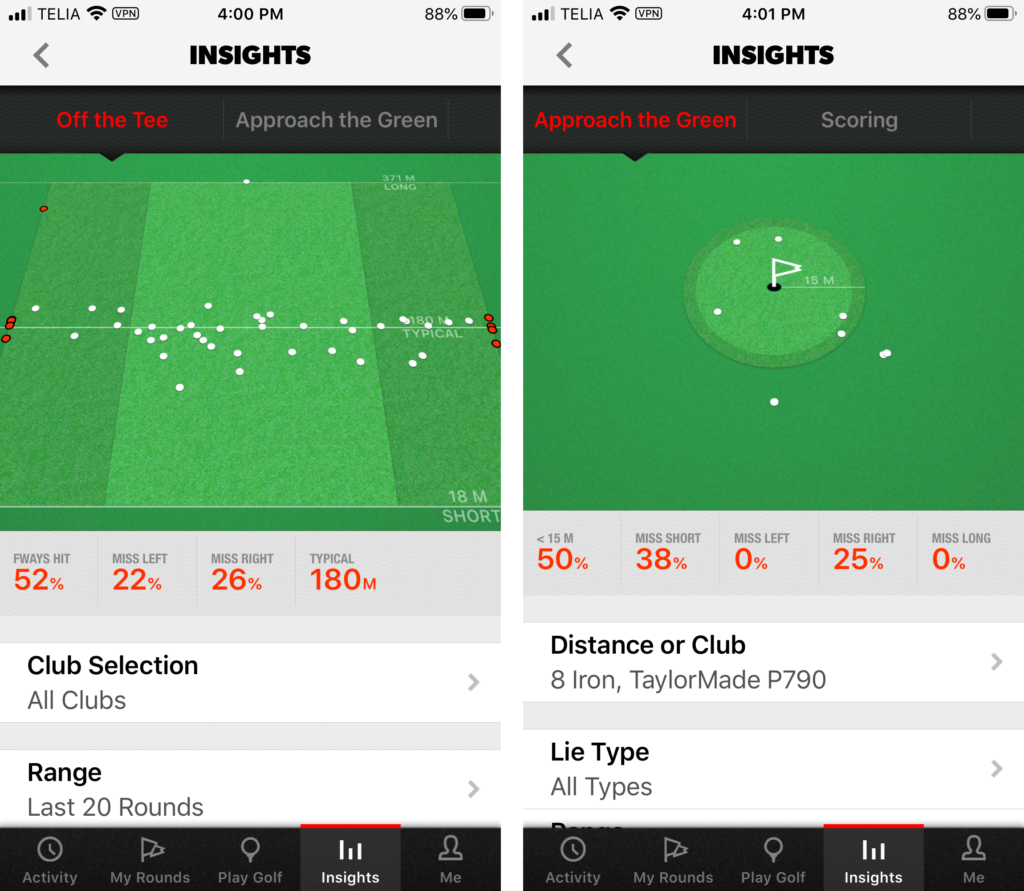
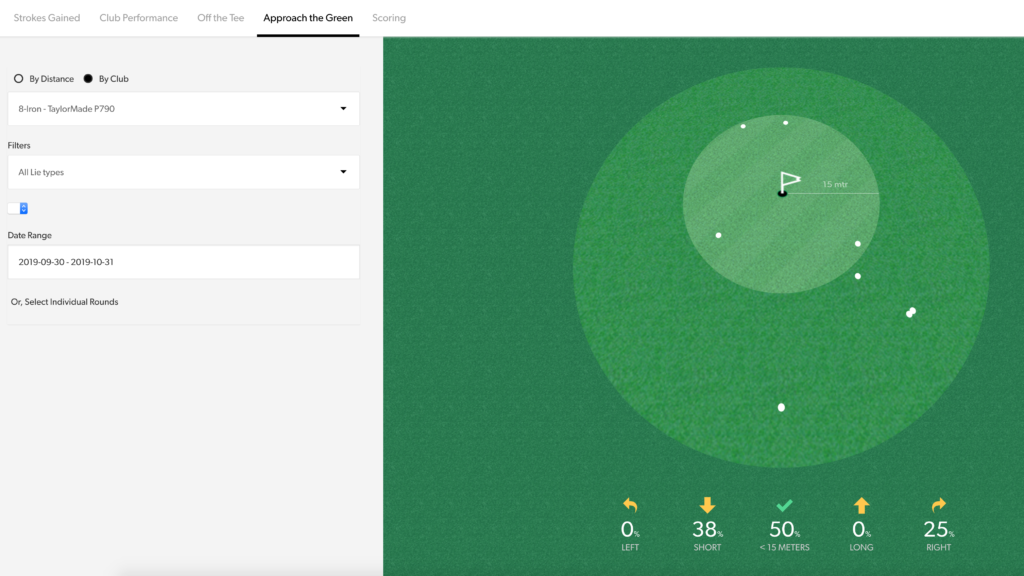
The statistics are very thorough and well presented. You can see everything from basic data such as the average distance for each club to more detailed stats, for example how often you hit the green from the rough with your 8-iron. You can look at your latest round, or an average of your last 3, 5 or 10 rounds, all rounds, or rounds from a particular period. You can slice and dice the statistics however you like. It is all very instructive and easy to use, nicely presented with graphics that show where every single ball landed on the green or fairway if you want.
Conclusions
Game Golf Live is very easy to use. We like that it doesn’t interfere with the swing in any way. We don’t need a watch on our wrist, and we don’t need the phone in our pocket. The club tags are feather-light and maintenance-free. Battery life on the GPS receiver lasts at least two rounds. We like that the system requires no subscription and no maintenance. The statistics it delivers are comprehensive and instructive, with a good user interface.
The biggest drawback, of course, is that you have to register every shot manually. But if you have a good pre-shot routine, it isn’t too hard to add one more step. Another drawback is that when you wear more clothes, a rain suit or a fall jacket for example, you may have to fumble a bit to find the GPS receiver under all the layers when you register the club, which disrupts the game a little. But since Game Golf is primarily a practice tool, you can simply leave it at home on those days.
Will Game Golf Live have a place in our golf bag? Yes and no. We will definitely use it during practice rounds to update the statistics and gain insights into our game. But in competitions it stays at home; it is, after all, one more thing to think about on every shot, and it can sometimes break your concentration.
This article by Bo Sjosten was originally published in Swedish on our sister site Golfjournalen.se. It has been translated by AI.